
Fast-Track Learning for
Creative Professionals
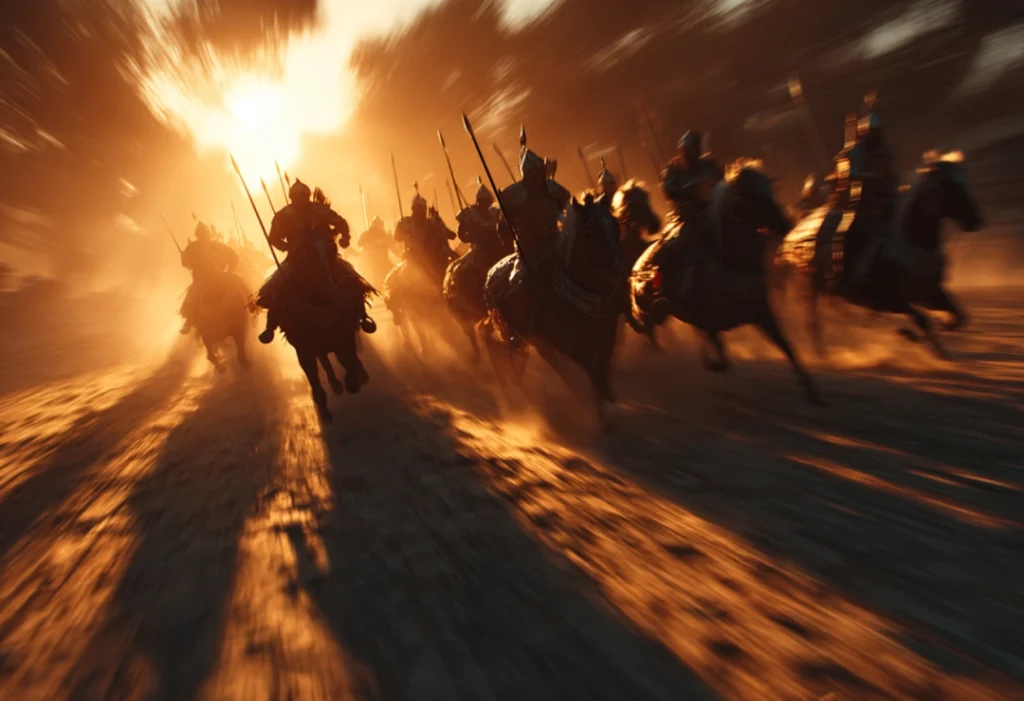
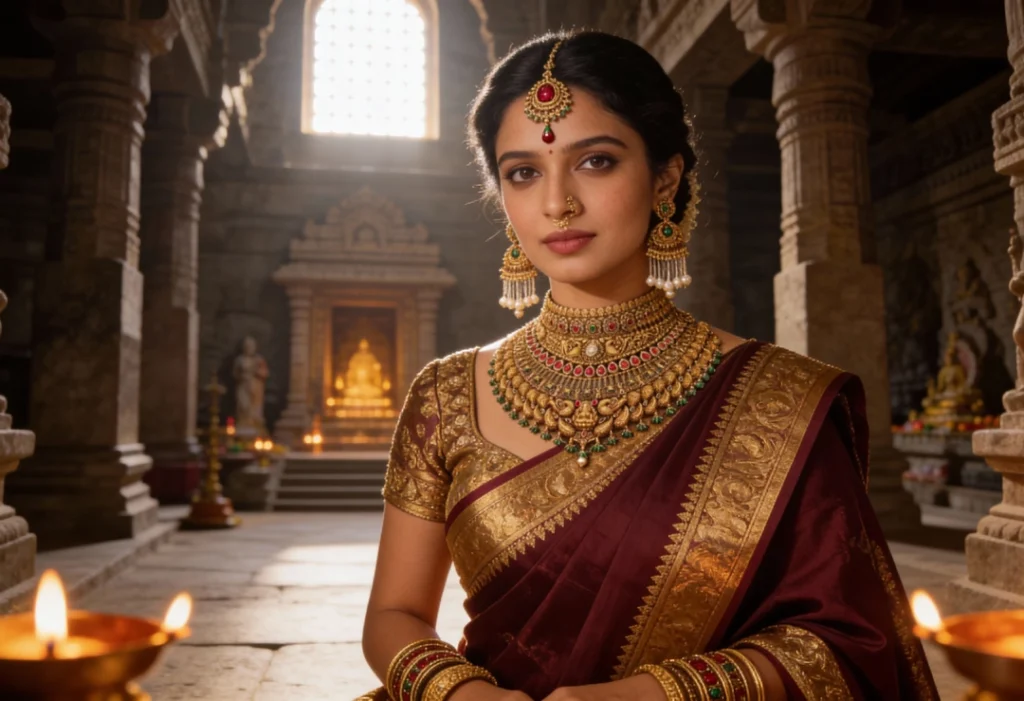
The AI Crash Courses at Scintilla Digital Academy, in collaboration with AIM Kreations, a wing of Scintilla Kreations Pvt Ltd, are designed for creative professionals who want to quickly upgrade their skills in AI video editing and cinematic content creation. These fast-track programs focus on practical learning through real production workflows.
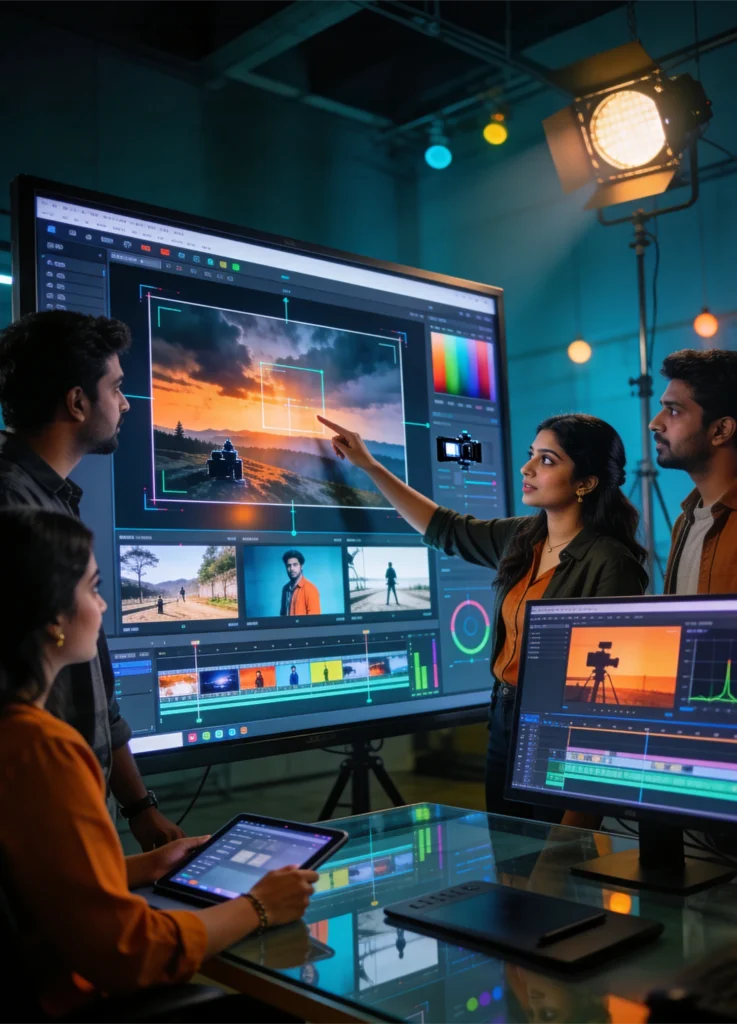
Students gain hands-on experience with AI-powered editing, cinematic storytelling, color grading, and visual effects used in modern film, advertising, and digital media. The program helps learners create professional-quality content in a short time using advanced AI tools.
- Fast-track AI learning for creators
- Hands-on projects with real workflows
- Learn editing, VFX, and color grading
- Create high-impact cinematic content
- Upgrade skills for modern digital media
Courses Packages
AI Vfx Master Program
Duration: 6 Months
What’s included:
- Visual Effects Fundamentals
- Compositing Techniques
- Rotoscoping & Object Removal
- Motion Tracking
- Advanced Color Grading
- Green Screen Compositing
- AI Scene Creation
- Advanced VFX Compositing
- Film Post-production Pipeline
- Feature Film Simulation Project
AI Editing Master Program
Duration: 6 months
What’s included:
- Cinematic AI Content Creation
- Advanced Editing Techniques
- Motion Graphics Design
- Visual Effects Creation
- DaVinci Resolve Color Grading
- Advertising Film Production
- Documentary & YouTube Production
- Cinematic Storyboarding
- Freelancing & Client Management
- Final Portfolio Project
Course Modules
Cinematic Pro AI Content Creator
Topic:
1. AI Foundations
AI in filmmaking, scriptwriting, storytelling, and ethics.
2. Story Development & Visualization
AI scripts, storyboarding, cinematic framing, and prompting.
3. Concept Art & Look Design
Visual development, moodboards, lighting, and styles.
4. Virtual Production
Unreal Engine, motion capture, and AI cinematography.
5. AI Sound & Music
Voice, dubbing, film scoring, and sound design.
6. Editing & Workflow
AI editing, enhancement, and production pipeline.
7. Projects & Career
Film creation, portfolio building, and career growth.
Nuke
Topic:
1. Interface & Compositing Basics
Nuke interface, node workflow, masking, and rotoscoping.
2. Paint & Cleanup
Matte refinement, object removal, and background cleanup.
3. Color Management
Color correction, grading, and channel adjustments.
4. Keying & Compositing
Green screen keying, edge refinement, and procedural workflows.
5. Tracking & 3D Workflow
2D/3D tracking, matchmoving, and camera projection.
6. CG Integration
Multi-pass compositing and realistic CG blending.
7. Stereoscopy & 3D
2D to 3D conversion and stereo compositing techniques.
Mocha
Topic:
1. Planar Tracking & Interface
Mocha basics, interface, and tracking concepts.
2. Tracking & Stabilization
Advanced tracking, motion alignment, and stabilization.
3. Rotoscopy Techniques
Shape creation, keyframing, and object isolation.
4. Stereoscopy & Export
3D workflows, depth layering, and data export to VFX software.
Silhouette
Topic:
1. Interface & Rotoscoping Basics
Silhouette interface, roto shapes, and workflow.
2. Human Body Rotoscoping
Advanced roto for body motion and realistic movement.
3. Challenging Shots
Handling motion blur, shaky footage, and complex scenes.
4. Advanced Detailing & 3D
Hair detailing, depth roto, and 3D integration.
Da Vinci
Topic:
1. Foundations & Editing Basics
Interface, project setup, editing, and audio basics.
2. Intermediate Editing & Audio
Keyframes, multicam editing, titles, and Fairlight tools.
3. Color Grading
Color correction, cinematic looks, and ACES workflow.
4. Fusion VFX
Compositing, tracking, keying, and visual effects.
5. Advanced Workflows
Motion effects, plugins, and optimization techniques.
6. Final Projects
Create and deliver a complete film with editing, VFX, and color grading.
Final Cut Pro
Topic:
1. Introduction & Fundamentals
FCPX interface, shortcuts, media import, and basics of video shooting.
2. Project Setup & Editing
Timeline workflow, editing tools, clip arrangement, and syncing.
3. Motion & Animation
Keyframes, transforms, and basic motion effects.
4. Titles & Graphics
Text, lower thirds, templates, and visual elements.
5. Effects & Color Grading
Transitions, filters, and color correction techniques.
6. Time Effects & Advanced Tools
Speed ramping, trimming, and project management tools.
7. Audio Editing & Sound Design
Music, dialogue editing, mixing, and sound effects.
8. Multi-Cam & Exporting
Multi-camera editing and final export settings.
9. Final Project
Create and present a complete edited video project.
VFX with AI
Topic:
1. AI in VFX
Introduction to AI tools and modern VFX workflows.
2. AI Rotoscoping & Cleanup
Automated roto, object removal, and restoration.
3. AI Tracking & Environments
Facial tracking, matchmoving, and environment creation.
4. Deepfake & Compositing
Face replacement and AI-assisted compositing.
5. AI in 3D & Future
AI for 3D, animation, and future VFX trends.
Fusion
Topic:
1. Node Workflow & Interface
Fusion interface, node system, and project organization.
2. Color Correction
Basic color balancing and image enhancement.
3. Keying & Cleanup
Green screen keying and object/wire removal.
4. Tracking & 3D Data
Tracking, stabilization, and camera matchmoving.
5. 3D & Particle Effects
Camera projection and particle simulations.
6. Compositing & Integration
CG integration and realistic scene compositing.
Adobe After Effects
Topic:
1. Introduction & Interface
After Effects basics, workspace, and project setup.
2. Animation Fundamentals
Keyframes, motion paths, and basic animations.
3. Masks & Effects
Masking, blending modes, and visual effects.
4. Motion Graphics
Shape animation, typography, and design principles.
5. 3D Layers & Camera Animation
3D layers, camera movement, and depth creation.
6. Tracking, Rotoscoping & Stabilization
Motion tracking, stabilization, and background removal.
7. Expressions & Automation
Basic expressions to automate animations.
8. Visual Effects (VFX) & Compositing
Green screen, cinematic effects, and compositing.
9. Audio & Rendering
Audio sync, export settings, and final output.
10. Final Project
Create and present a complete motion graphics project.
Premiere Pro
Topic:
1. Introduction & Interface
Premiere Pro basics, workspace, and media organization.
2. Core Editing
Cutting, trimming, layering, and transitions.
3. Titles & Graphics
Text, lower thirds, and motion graphics.
4. Audio Editing
Audio sync, mixing, and sound enhancement.
5. Color Grading
Color correction, LUTs, and cinematic looks.
6. Intermediate Editing
Multi-cam, green screen, and speed effects.
7. Motion Graphics & VFX
Animations, effects, and After Effects integration.
8. Workflow & Efficiency
Project organization and editing optimization.
9. Exporting
Rendering, formats, and delivery settings.
10. Final Project
Create and showcase a complete video project.
Photoshop
Topic:
1. Introduction & Interface
Photoshop basics, tools, and workspace.
2. Scene Composition
Layers, masking, and image blending.
3. Image Retouching
Color correction and photo enhancement.
4. Digital Painting
Brush techniques, shading, and realism.
5. Matte Painting
Creating realistic and fantasy scenes.
6. Graphic Design
Logos, typography, and branding.
7. Print & Marketing
Posters, flyers, and promotional designs.
8. Digital Media
GIFs, web graphics, and social content.
9. Practice & Projects
Hands-on work and portfolio development.
Your Journey to Success in Video Editing
Expert Guidance
Real-time Projects
Work with professionals
Future-ready Portfolio
Career Launch
Expert Guidance
Real-time Projects
Work with professionals
Future-ready Portfolio
Career Launch
Turn Your Creativity into a Future-Ready Career
Learn cinematic AI creation, video editing, and visual storytelling with hands-on training using professional industry tools.

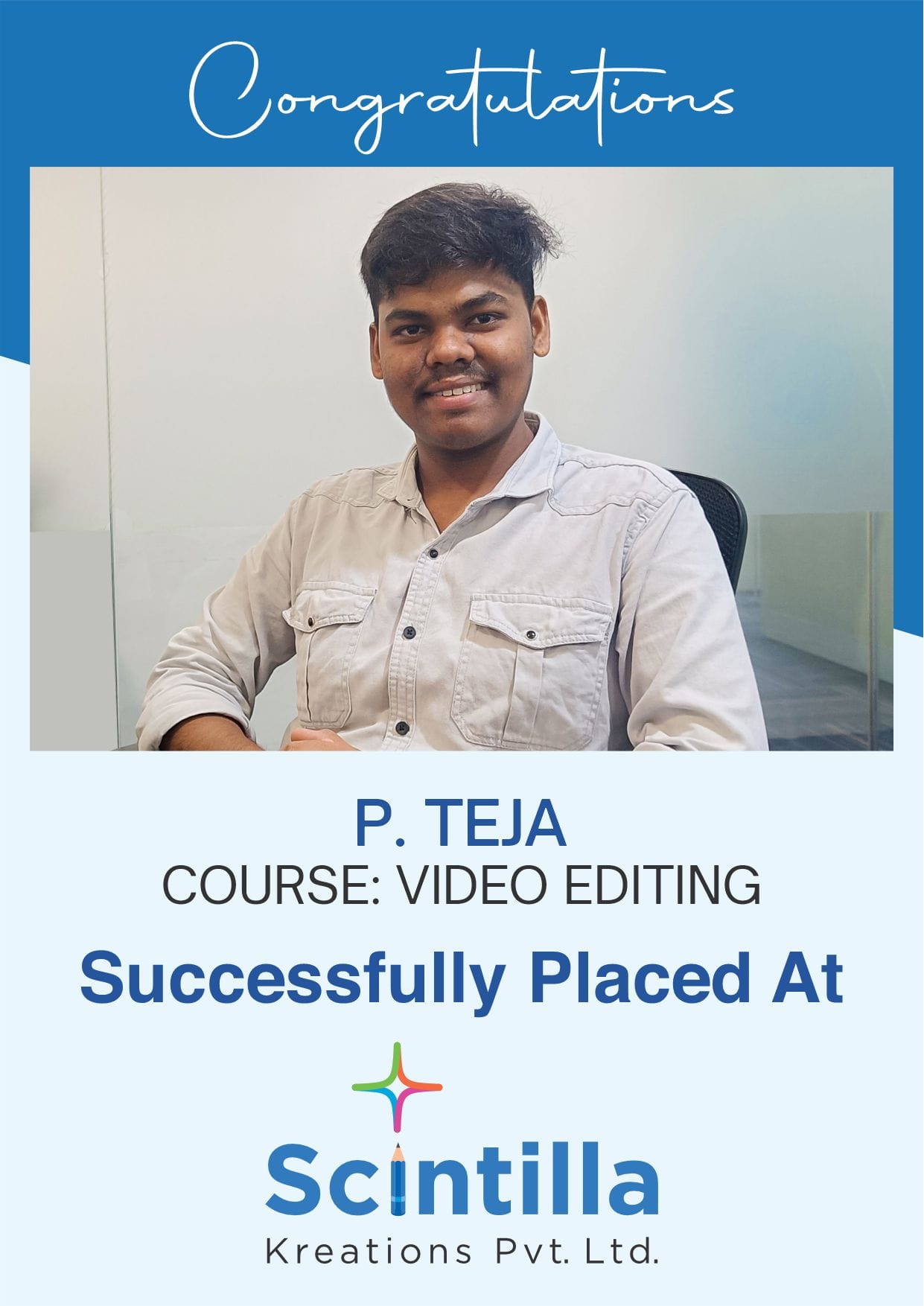
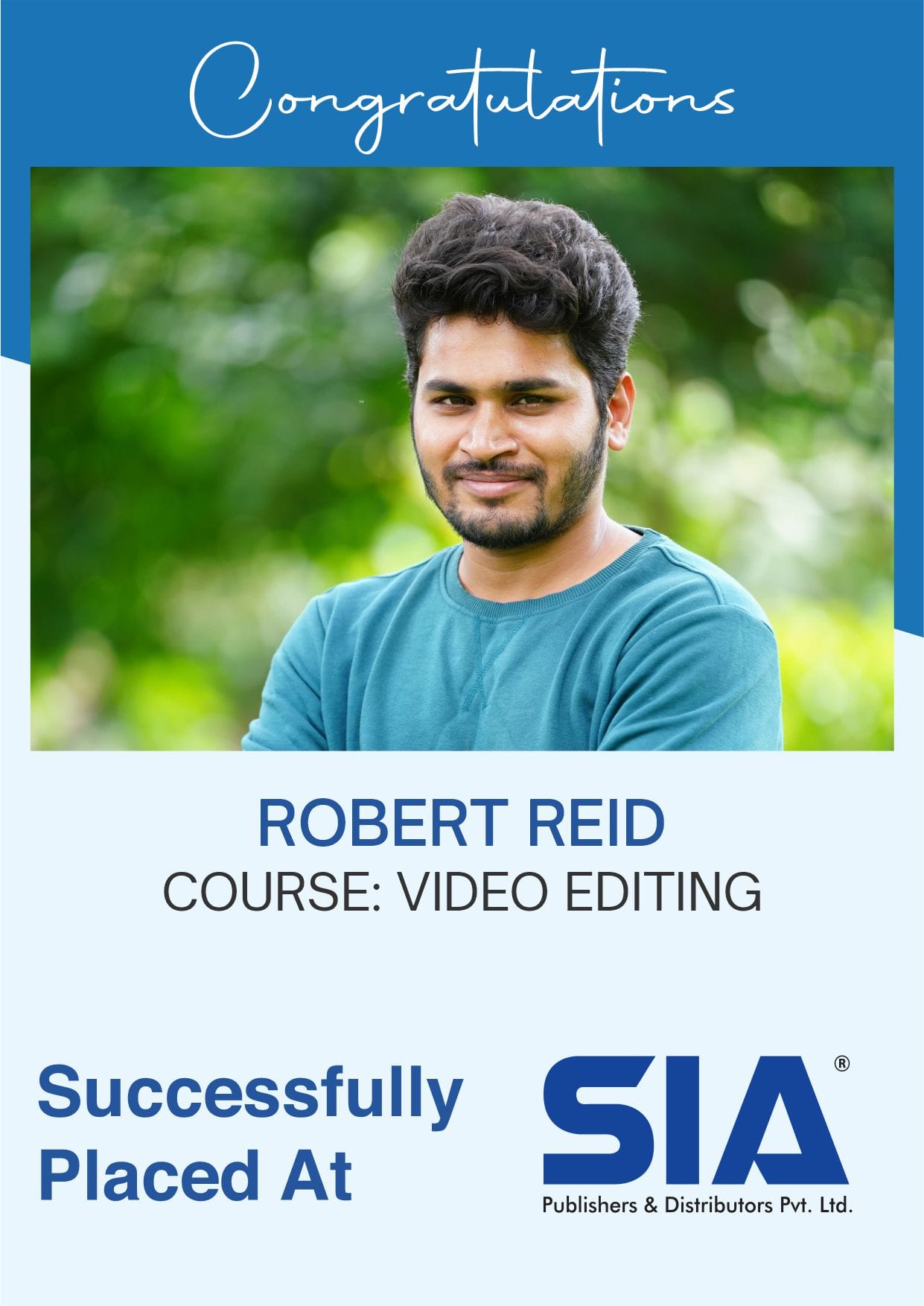
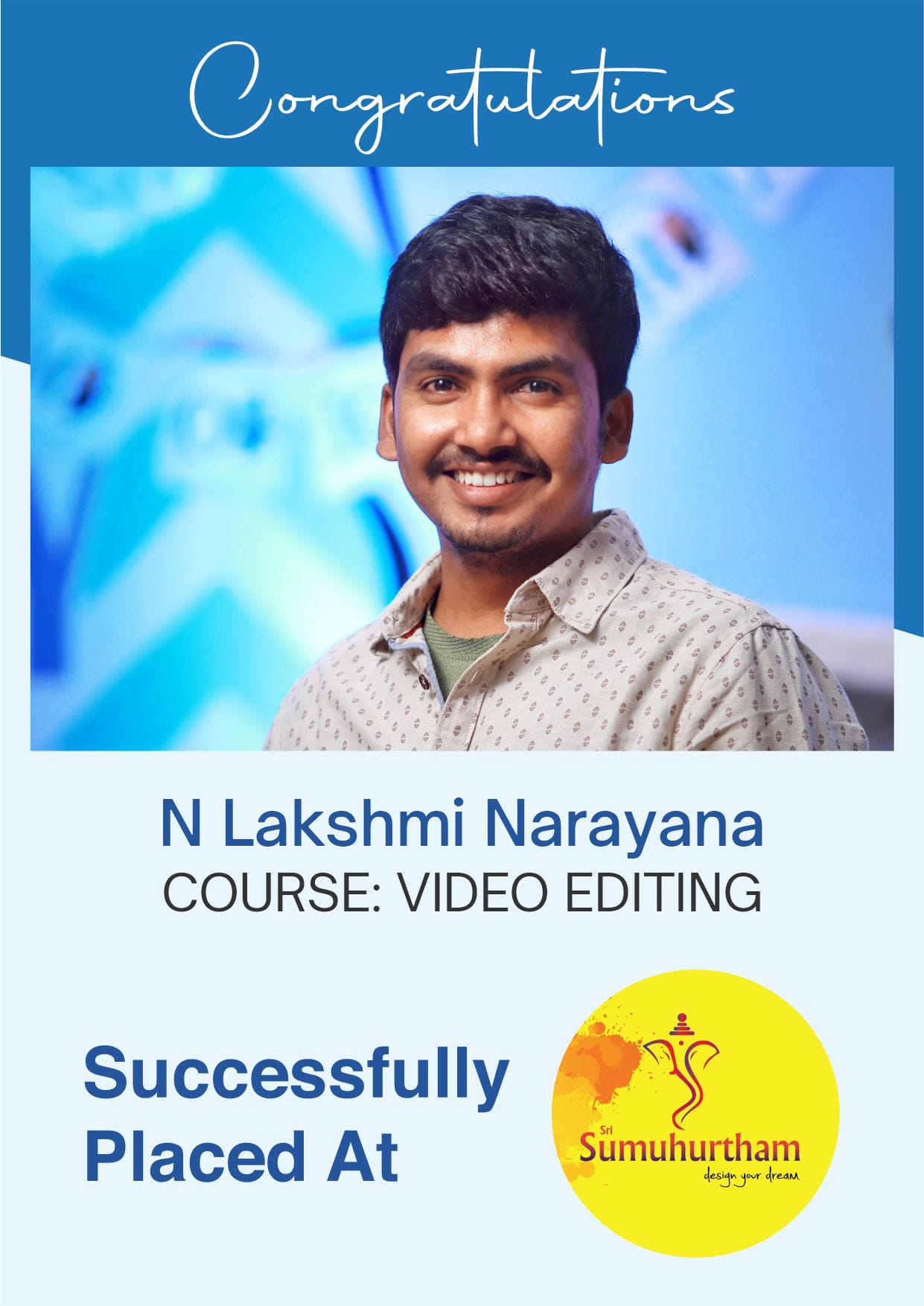
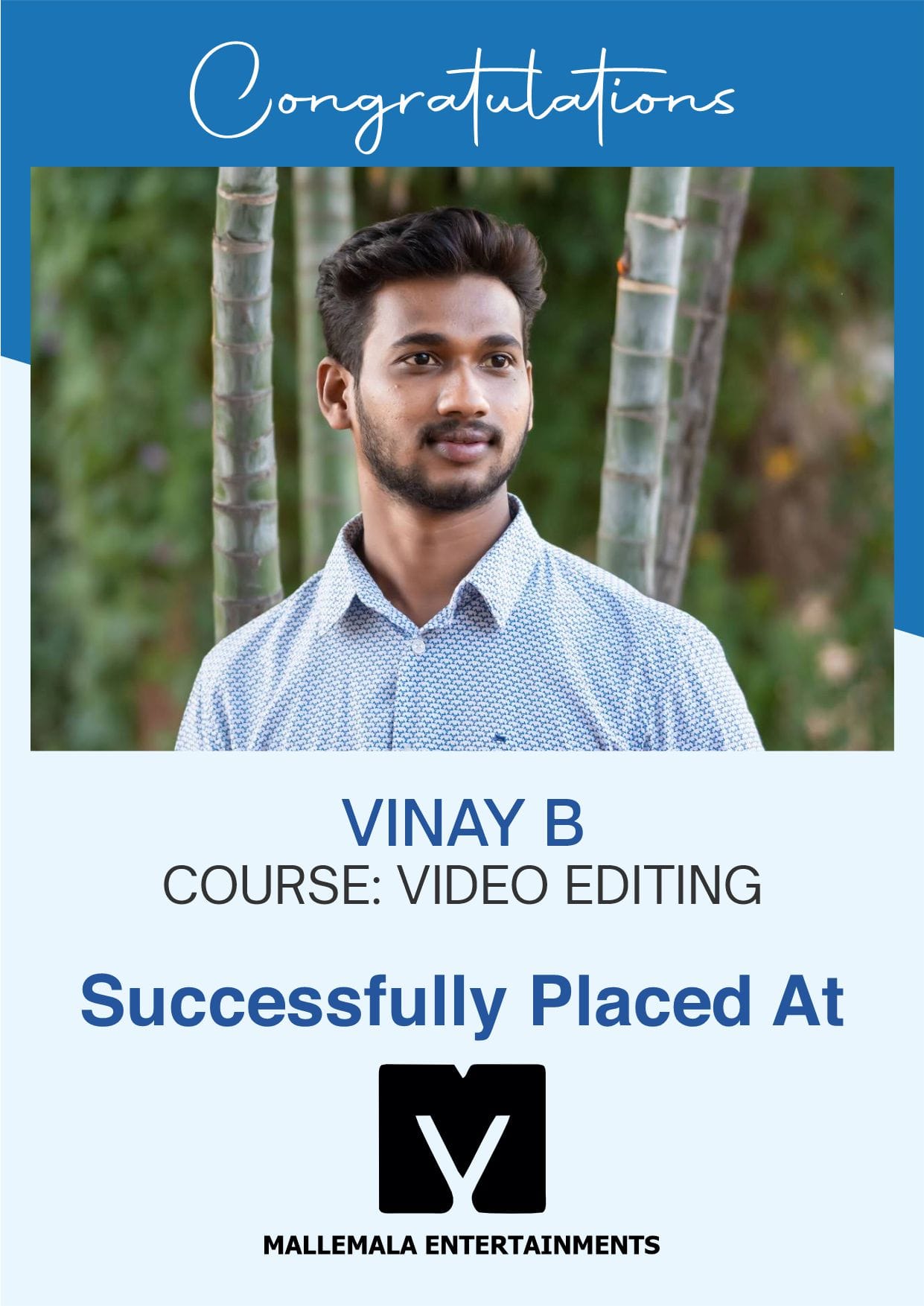
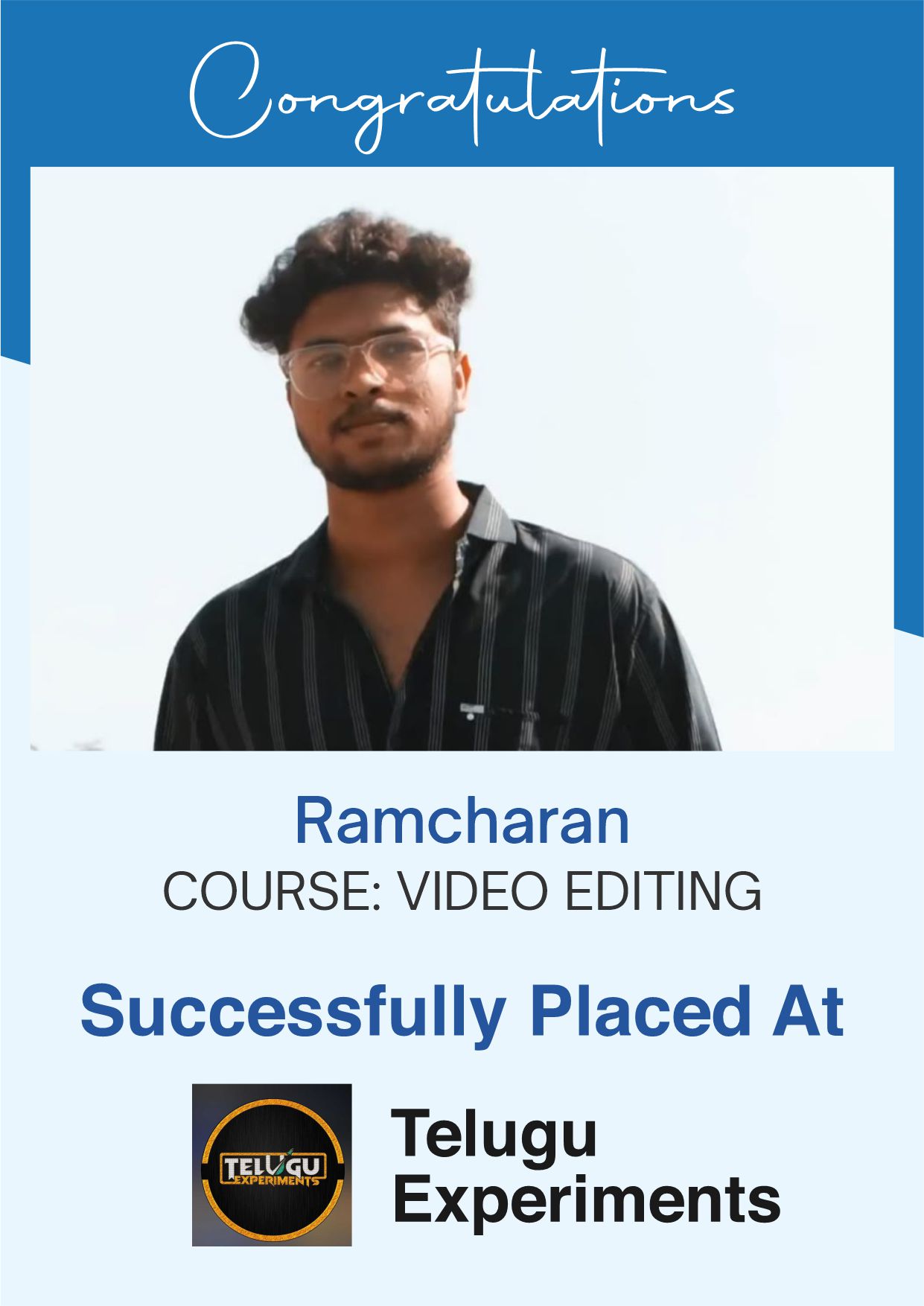
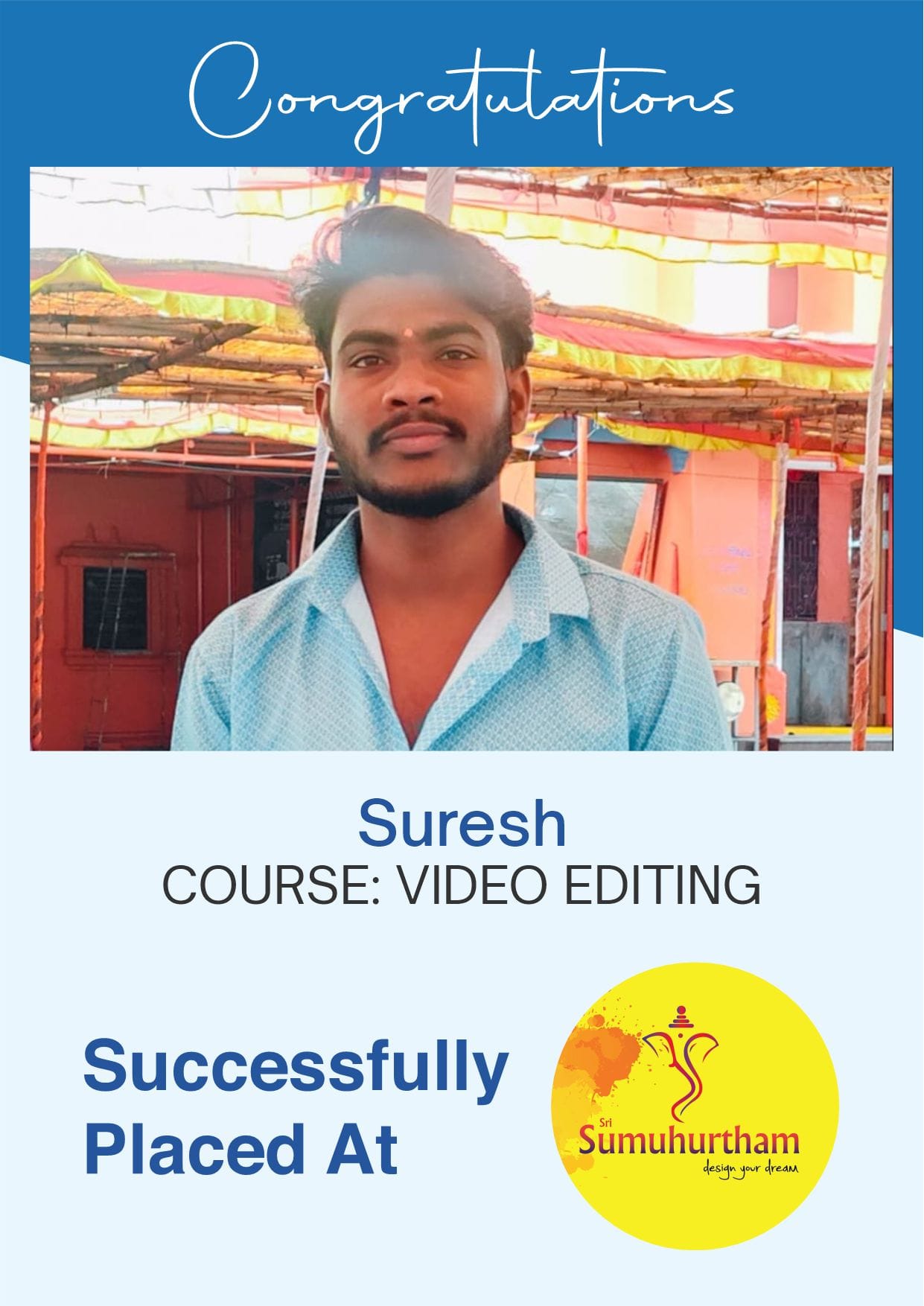
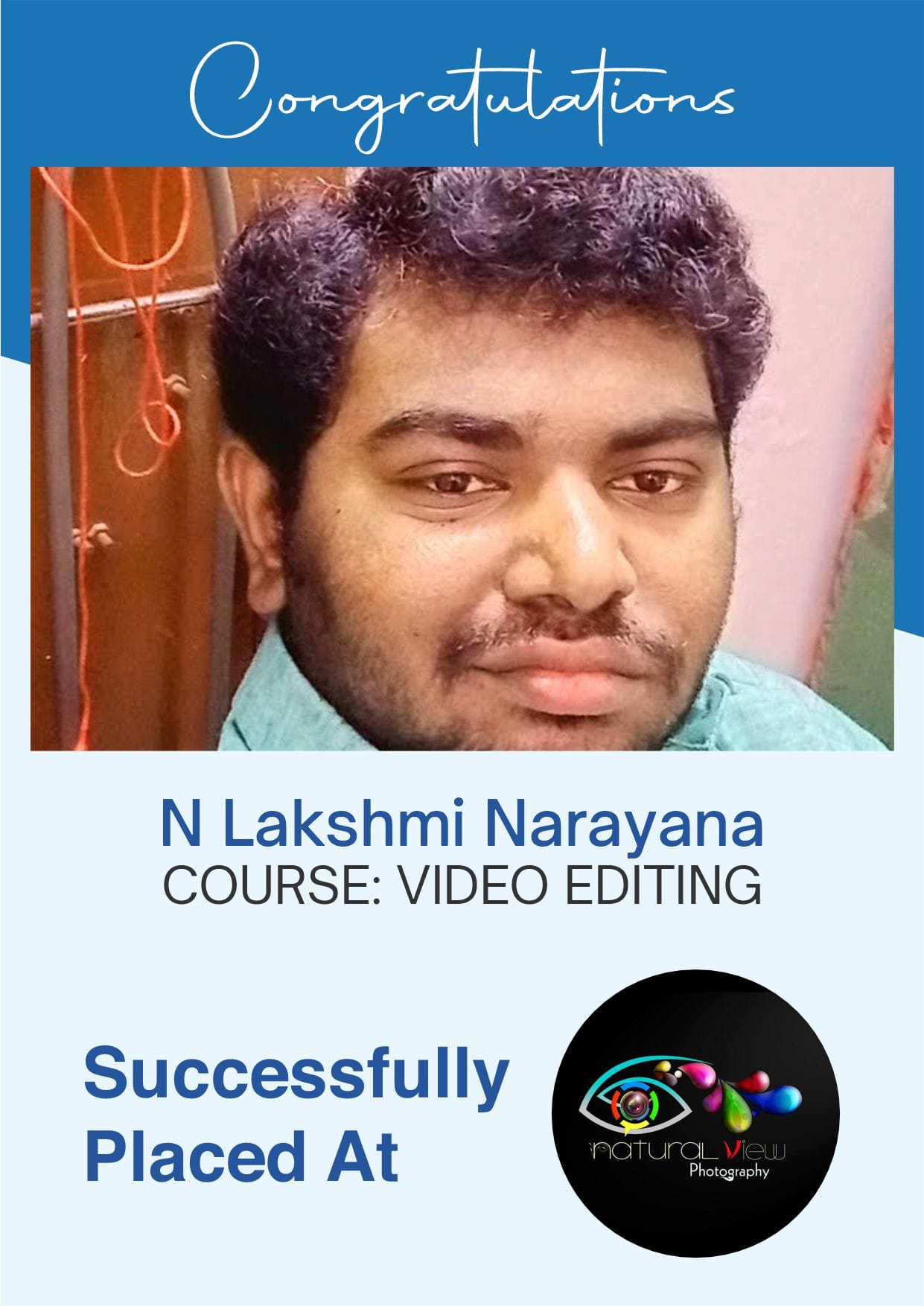
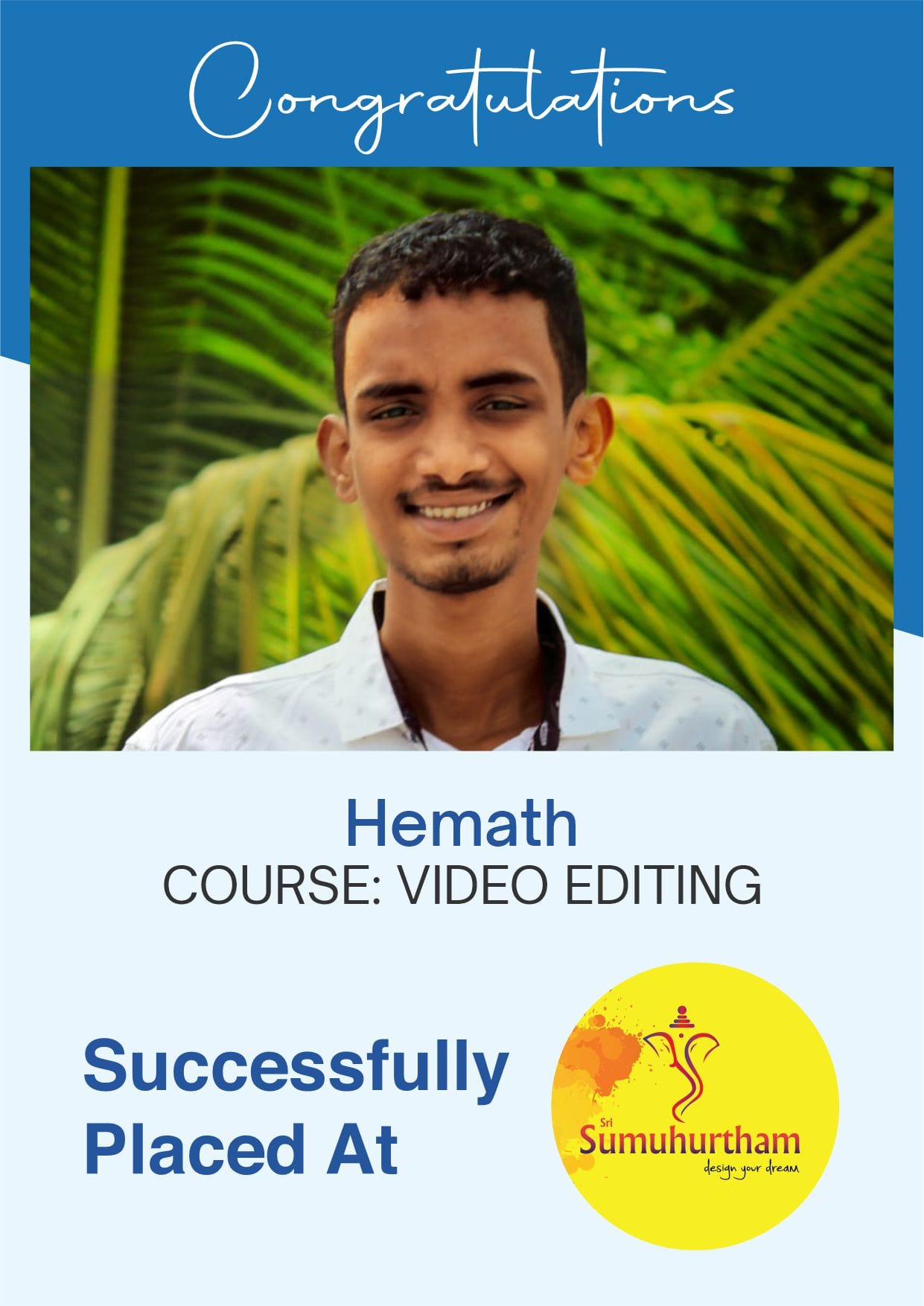
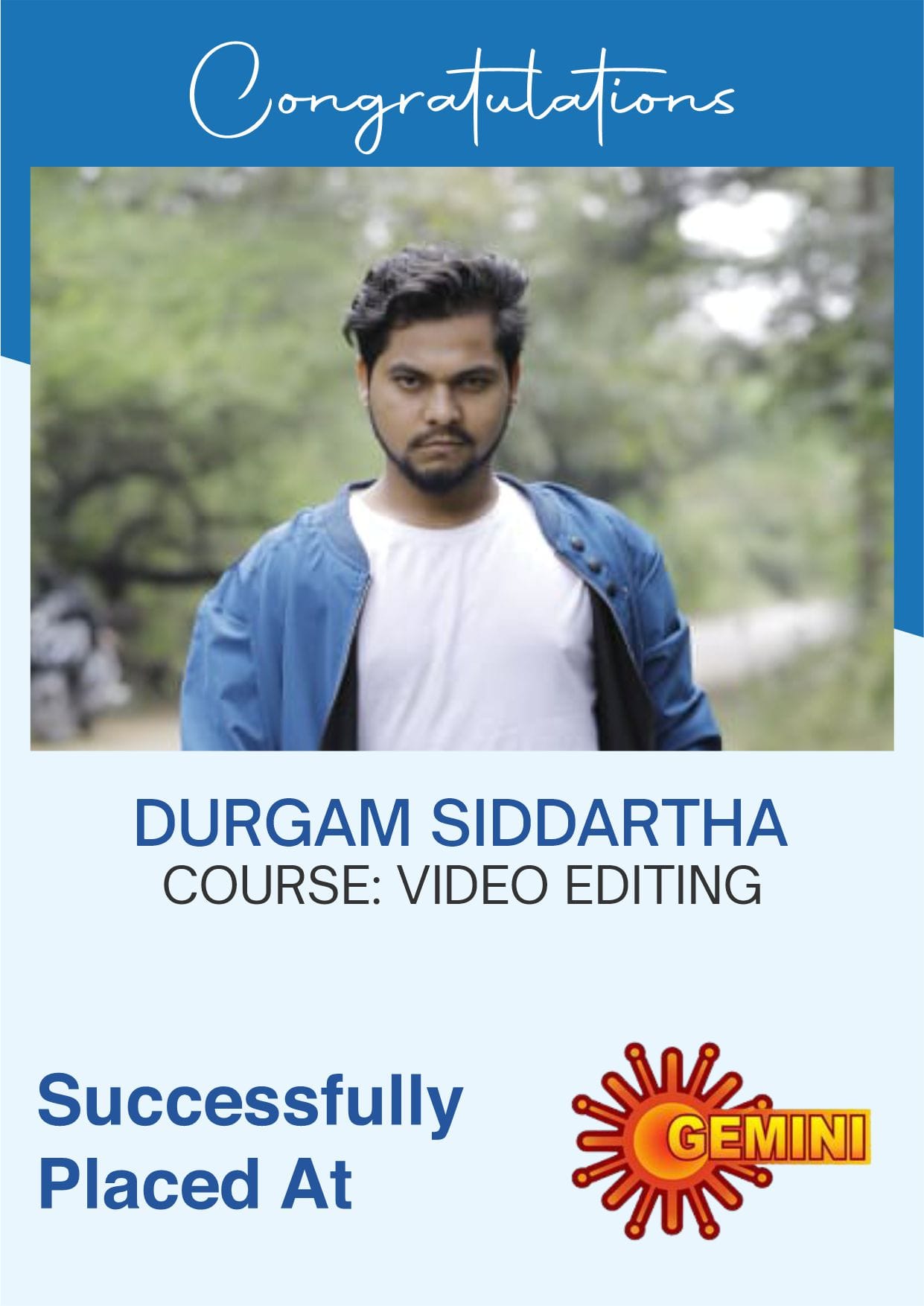
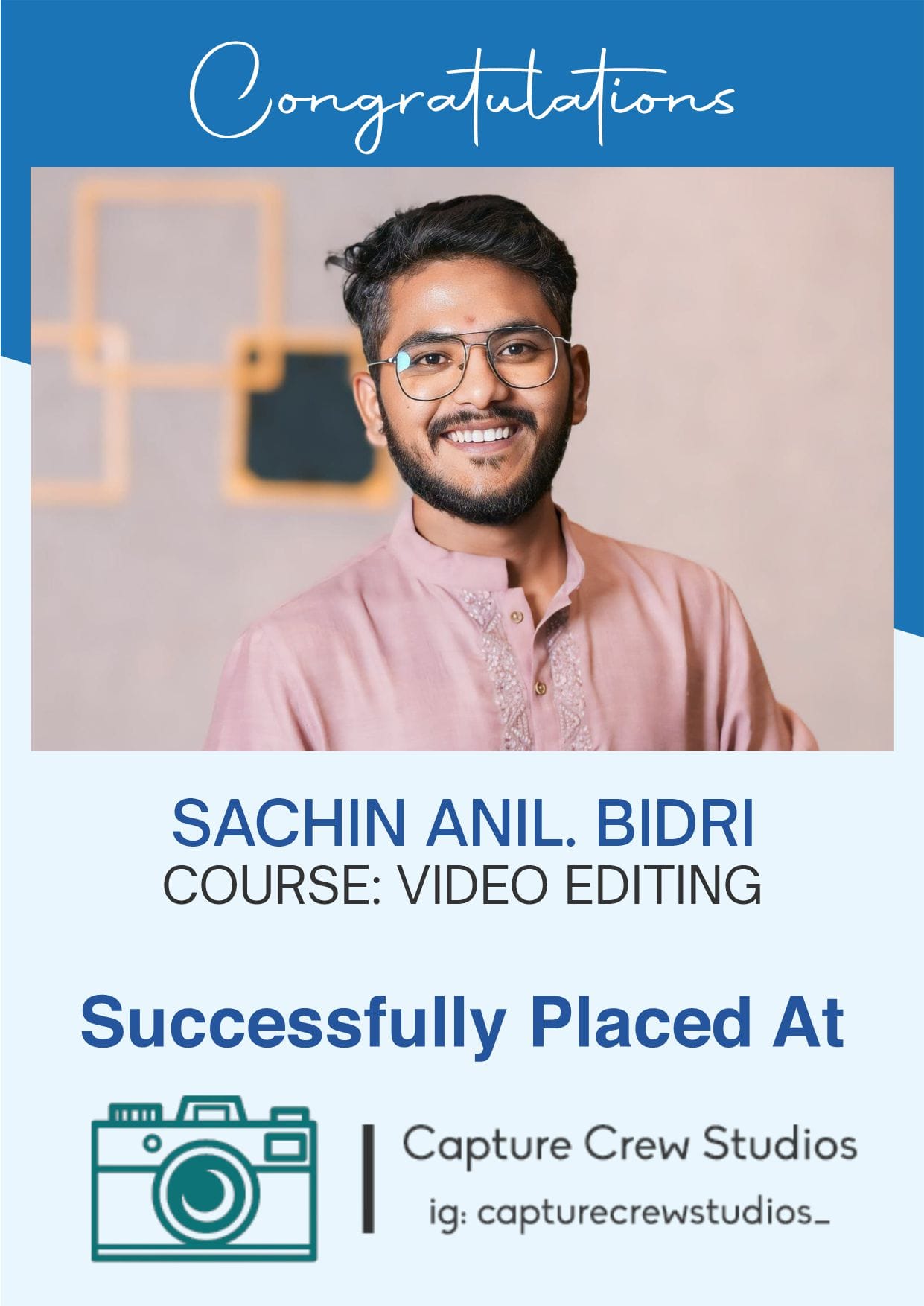
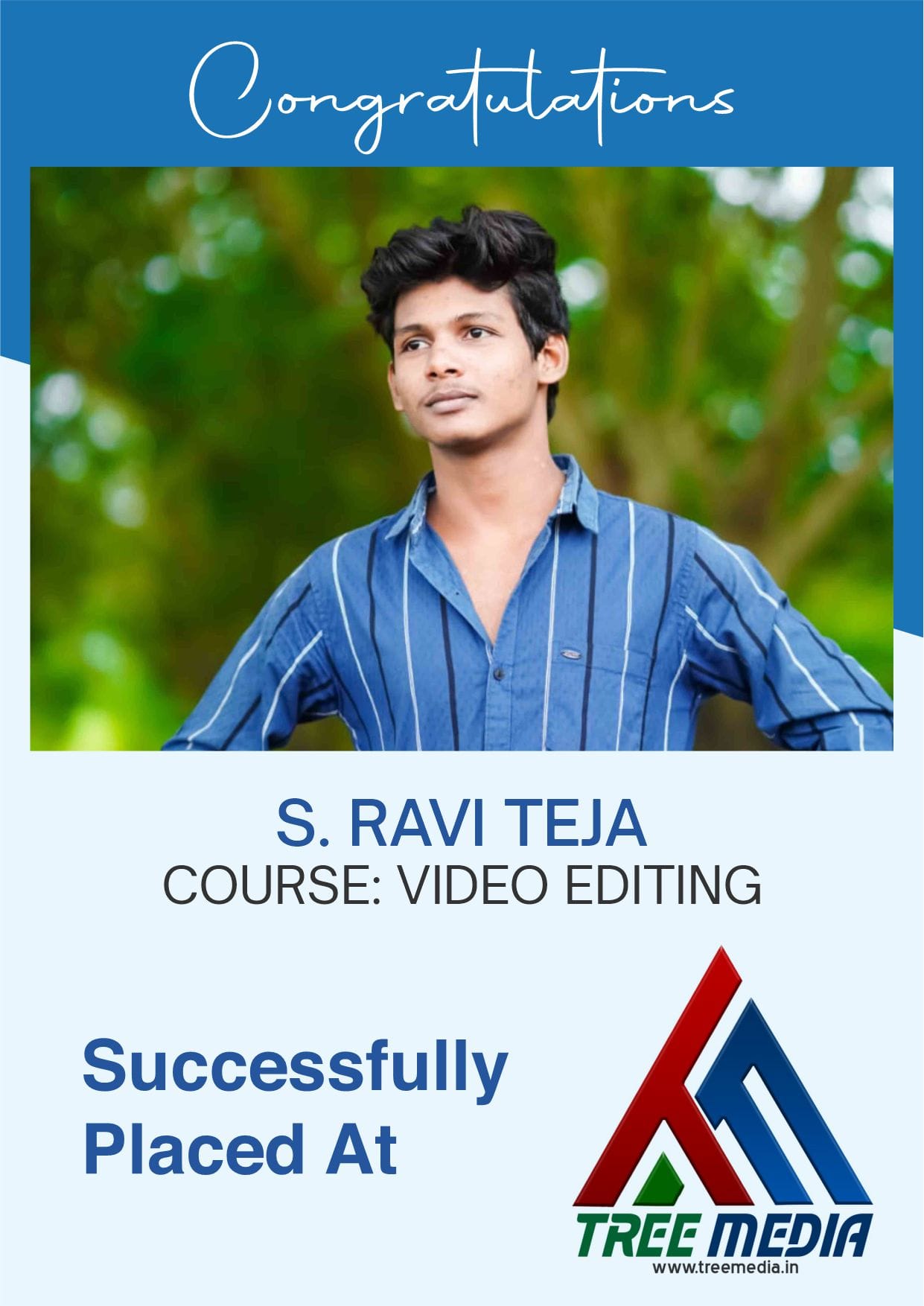
Success Stories

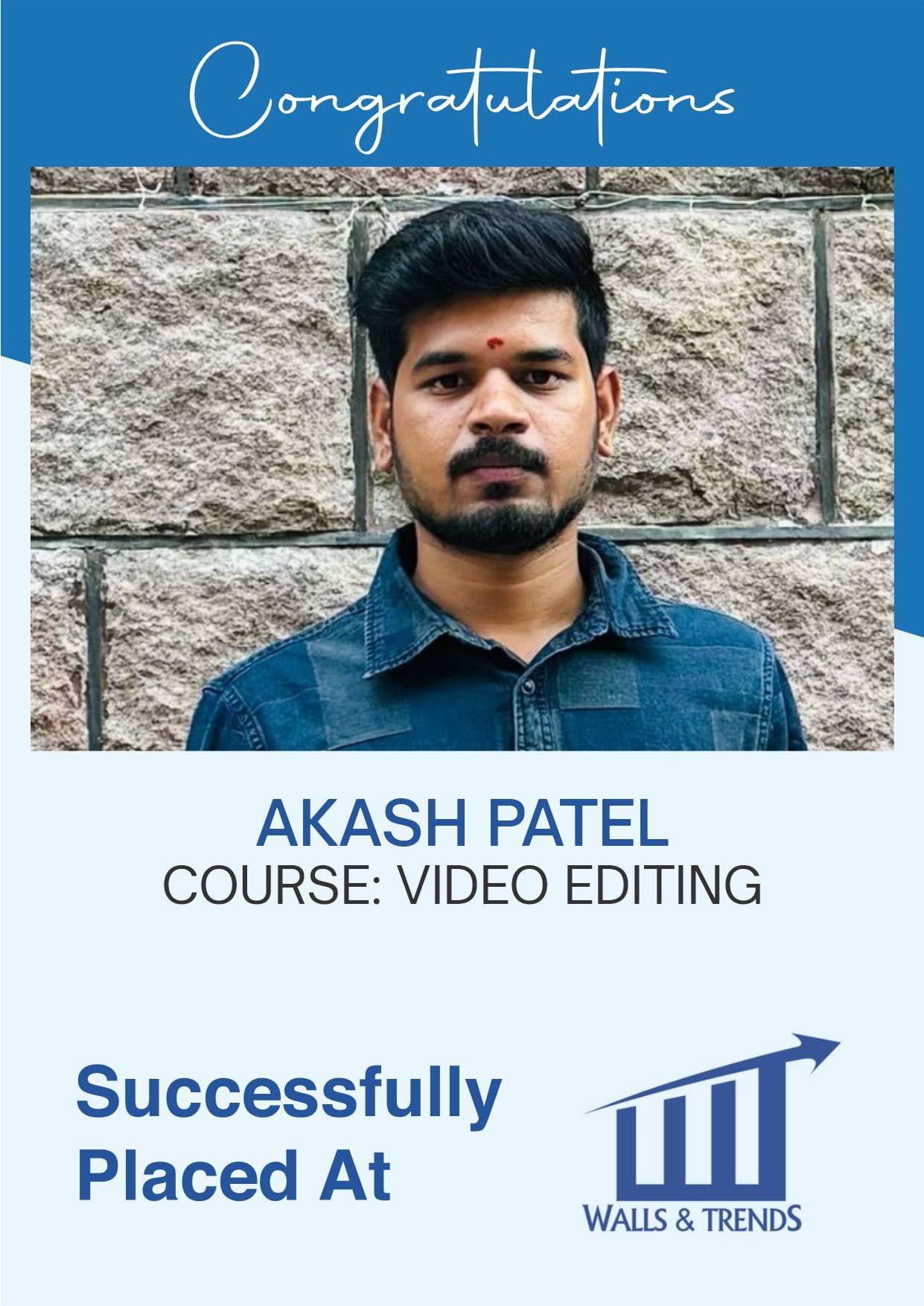
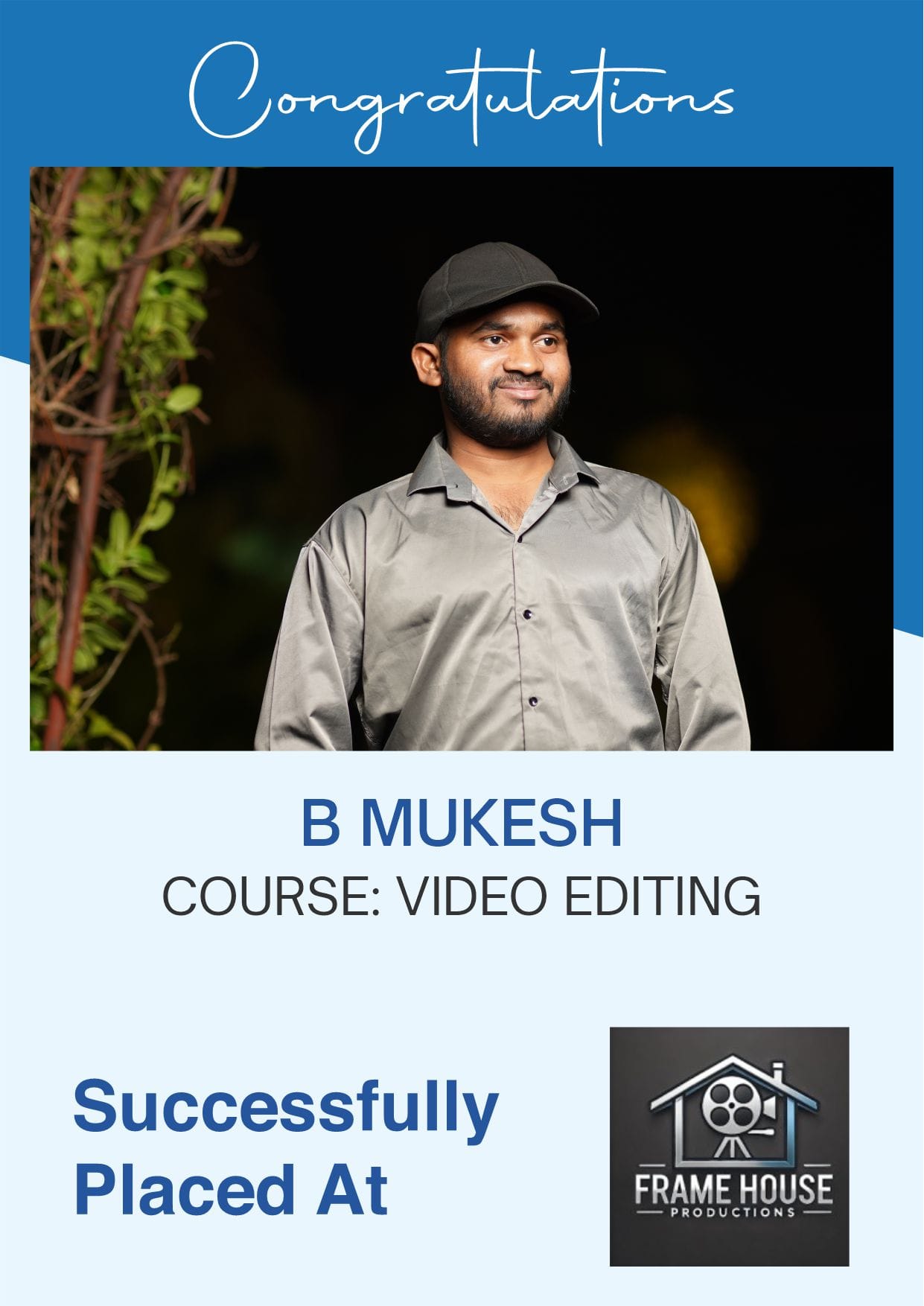
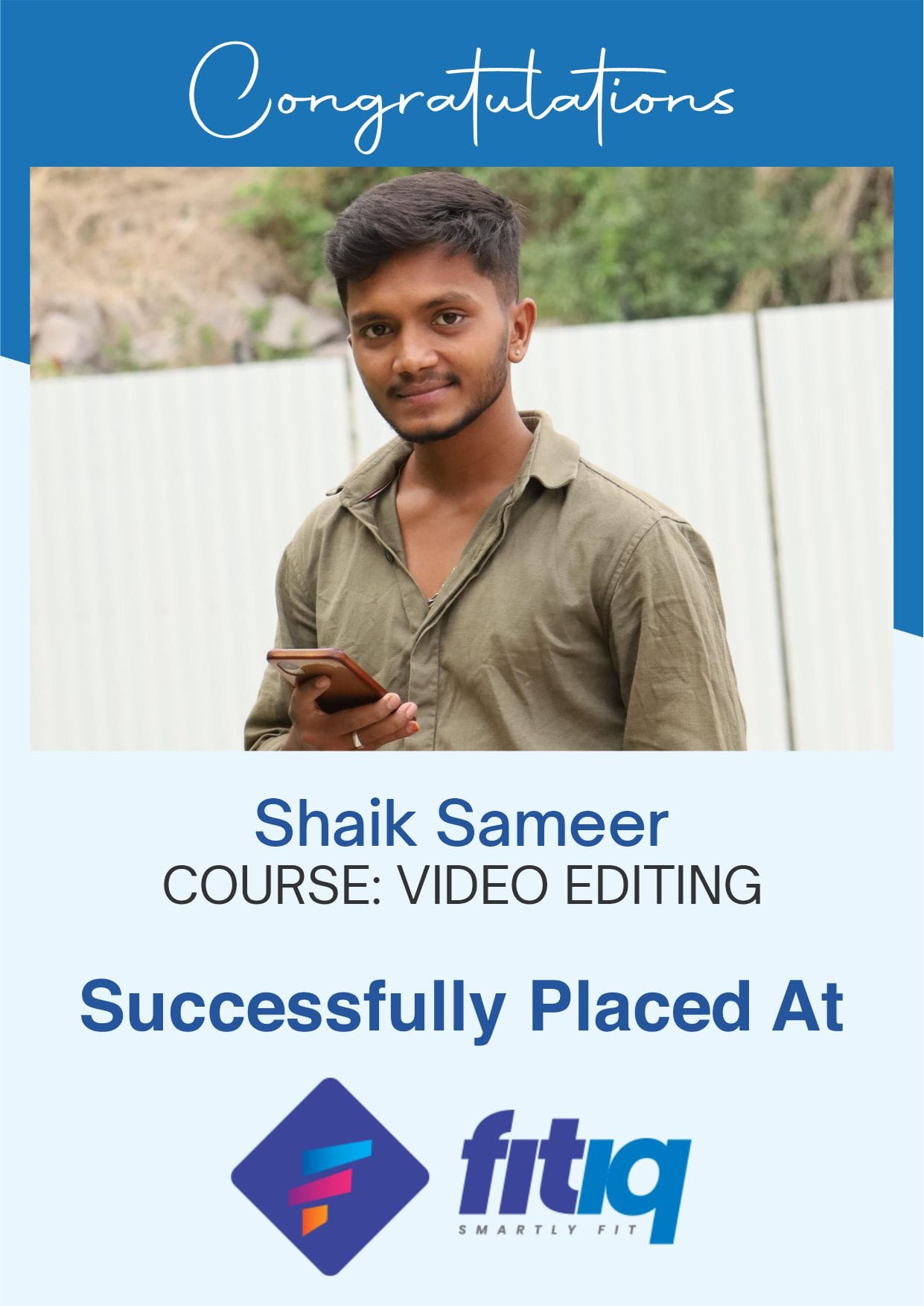
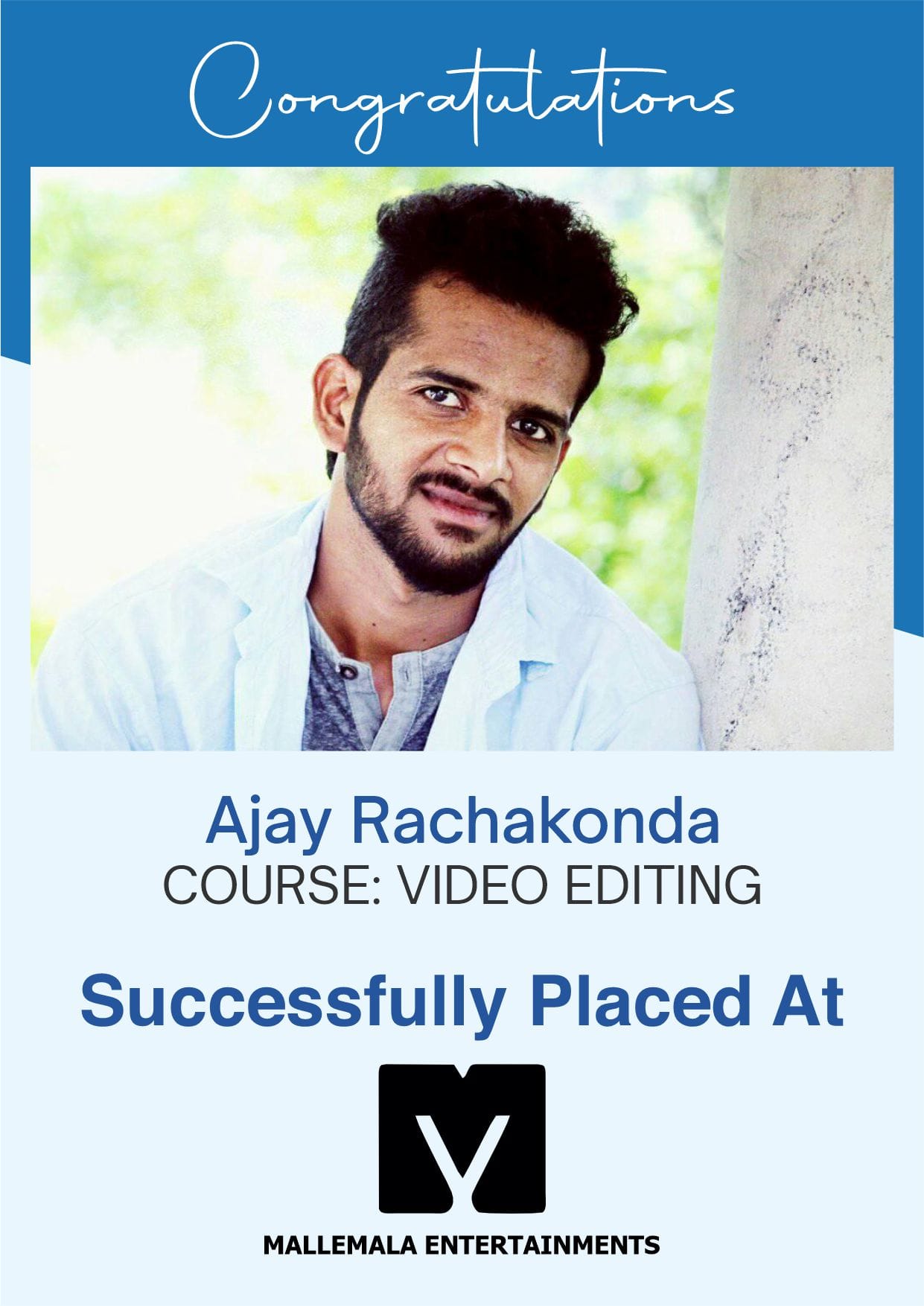

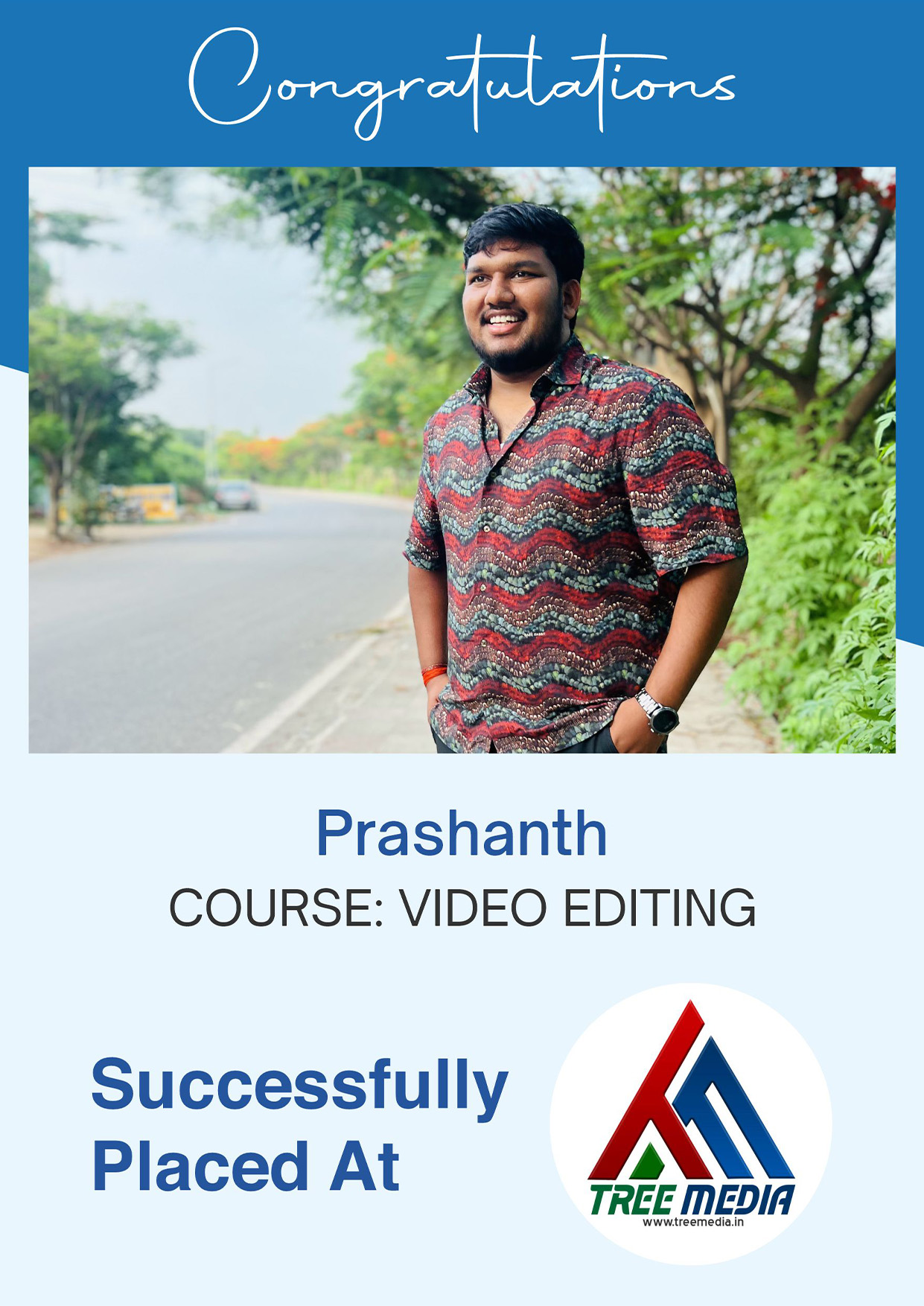
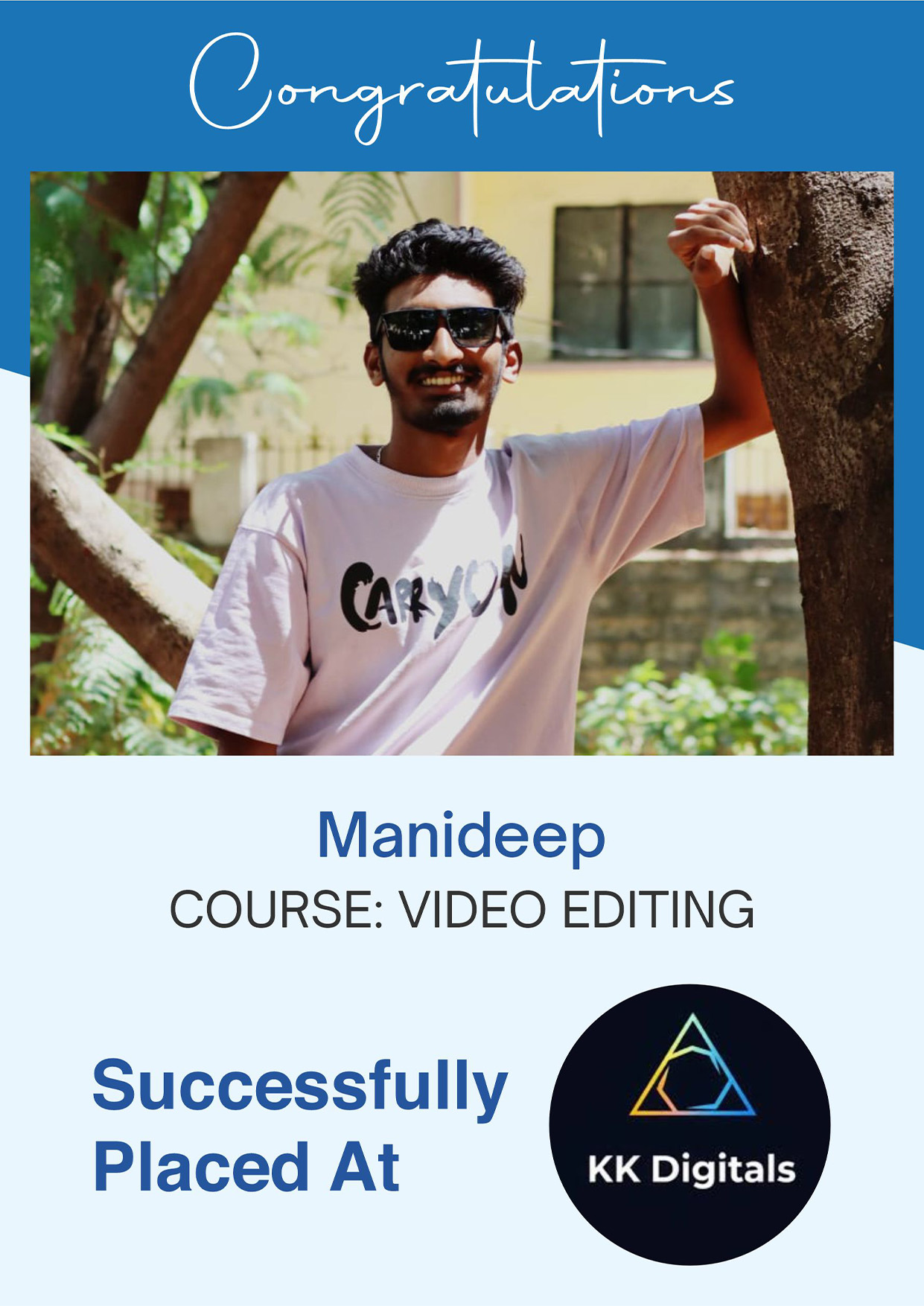
Career Opportunities
These crash courses provide a quick and practical introduction to AI-powered video creation and digital media production.
Film Production Studios
VFX Production Companies
Advertising Film Production
Gaming & Animation Industry
Freelance Projects
Media Production
Student Testimonials
Transforming Dreams Into Reality.
Our Students Shine in Prestigious Companies


Frequently asked questions
What is the AI Crash Course at Scintilla Digital Academy?
The AI Crash Course at Scintilla Digital Academy is a fast-track training program that teaches AI video editing, cinematic content creation, and AI-powered film production using industry tools and real-time projects.
Is this AI course suitable for beginners?
Yes. The course is designed to support both beginners and professionals, starting from fundamental AI tools to advanced cinematic workflows.
What is the duration of the AI Crash Course?
Scintilla Digital Academy offers 3-month and 6-month crash programs, depending on the depth of training and specialization.
What career opportunities are available after completing this course?
After completing the program, students can work as AI video editors, AI content creators, VFX artists, digital filmmakers, and cinematic content producers.
Get in Touch with Us
Fill out the form and submit today.
Get in Touch with Us
Fill out the form and submit today.
Courses Offered
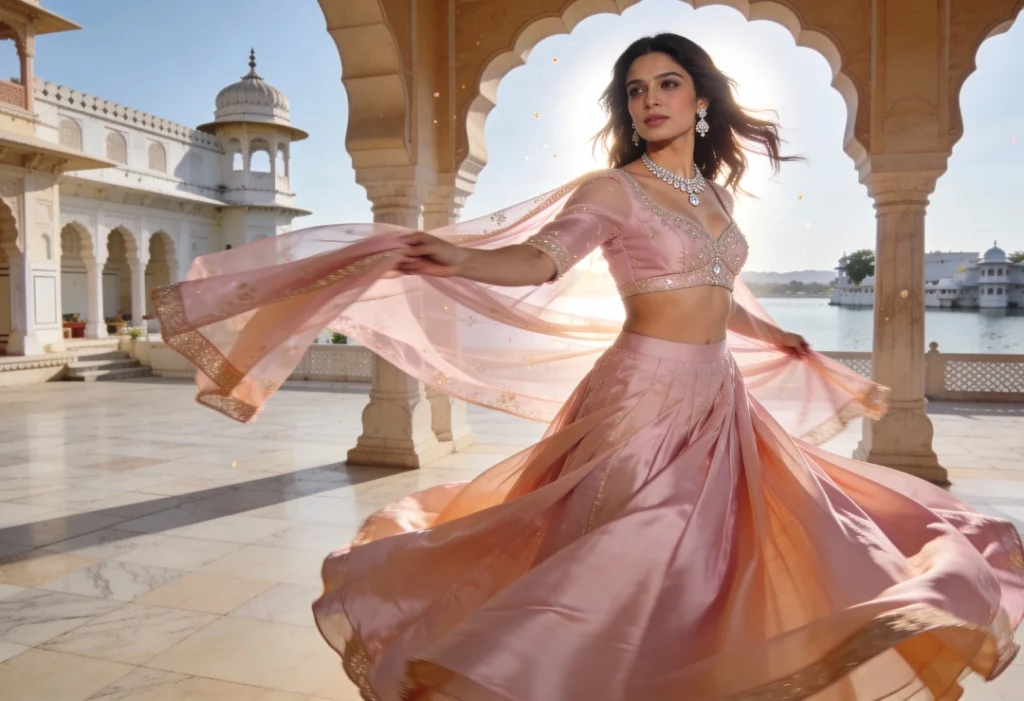
Cinematic Ai Creator
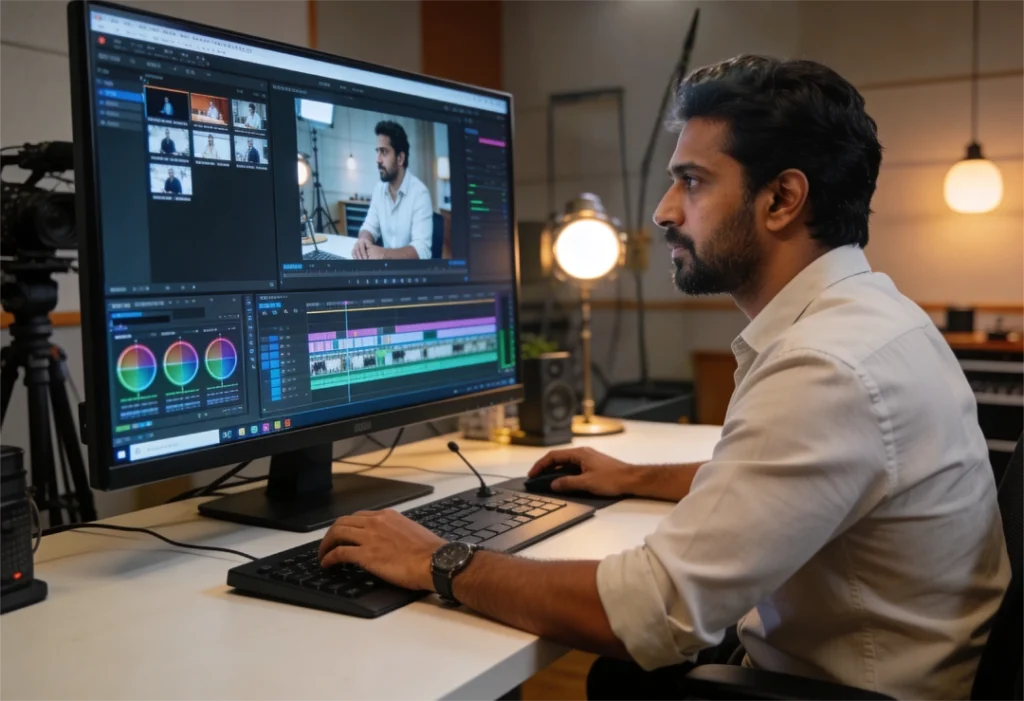
AI Crash Courses
Learn the basics of AI tools to quickly create images, videos, and digital content.